Next step
Platform Overview
Get the broader product view before narrowing into a specific deployment or machine-fit question.
View platform overviewPractical guide to the two legacy protocols most often discussed in vending modernization projects.
Written for operators reviewing retrofit feasibility, controller fit, and the path from older cabinets into a connected operating environment.
Modernizing a vending fleet typically means adding a better software layer and, where needed, a retrofit controller, not replacing every cabinet.
MDB and Pulse are both common in older fleets, but the protocol alone does not tell the whole machine story. Model, controller, payment setup, and deployment goal still matter.
MDB is the more common legacy communications standard in vending, while Pulse appears in older or narrower machine families. Both can trigger a modernization conversation, but neither guarantees the same hardware path.
The operator still needs a model-specific review because cabinet condition, controller state, and the desired software scope determine whether a retrofit is realistic.
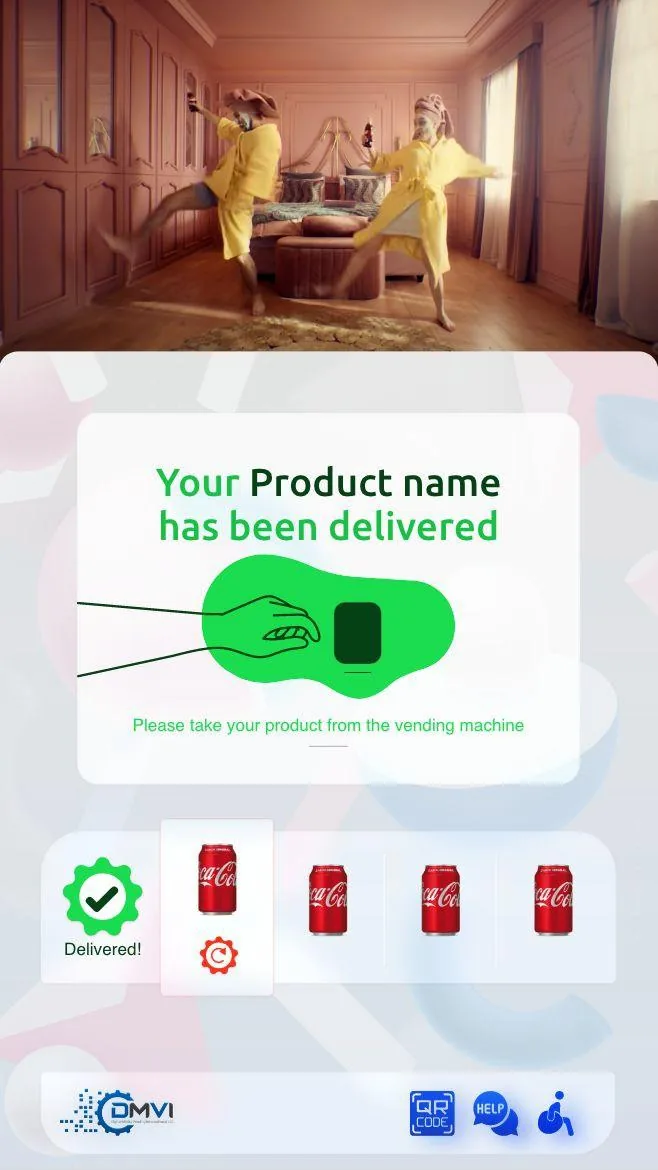
A retrofit path typically adds a touchscreen and a DMVI Android IPC so the machine can enter a modern cloud operating environment. Once that happens, the cabinet can support monitoring, updated payments, branded UI, and new workflow controls.
That is why the right question is not merely “is it MDB or Pulse?” but “what does this machine gain if we modernize it?”
MDB and Pulse both appear in older vending fleets and both can lead to retrofit conversations. The protocol alone does not determine the upgrade path, machine model, controller, and current payment setup all matter, which is why a compatibility review is always the right starting point.
That protects the buyer from false certainty and gives the implementation team the information they actually need.
Once an older cabinet enters a cloud environment, the machine can join the same telemetry, inventory, reporting, and payment workflows as newer smart machines in the fleet.
That is the commercial point of retrofit: operators keep viable hardware while gaining a more modern operating layer.
Most vending deployments succeed when the operator treats this topic as part of a wider operating model instead of a standalone feature request. That means machine compatibility, workflow ownership, reporting expectations, and rollout sequencing should all be reviewed together rather than in separate disconnected conversations.
Buyers also benefit from documenting what must be true on day one, what can be phased in later, and which assumptions still need confirmation from hardware, payment, or compliance stakeholders. That level of clarity shortens implementation cycles and prevents expensive rework after the machine is already live.
In practical terms, the strongest next step is usually a compatibility review or a scoped demo with the machine type, rollout geography, and business objective already defined. That gives DMVI enough context to answer the real question, not just the headline version of it.
Teams that document those answers early also make the project easier for procurement, operations, finance, and implementation partners to evaluate. Clear documentation becomes especially valuable when multiple vendors, venues, or regulators are involved because everyone can work from the same operating assumptions instead of inventing them as the project moves.
Use this checklist to pressure-test the deployment before money, hardware, or procurement time is committed.
Use the related pages below to move from research into the right product or deployment conversation.
MDB is a legacy vending communication standard, while Pulse is an older interface used in some machine families. Both can lead to modernization conversations, but they do not dictate the full machine path on their own.
In many cases, yes. Compatible MDB machines can be modernized with a touchscreen and DMVI Android IPC rather than immediate full replacement.
MDB is generally more common in modernization discussions, but both appear in legacy fleets and both still require model-level review.
A retrofitted machine can gain remote monitoring, updated payments, stock visibility, planogram control, branded UI, and access to the same cloud reporting layer as newer smart machines.
Start with compatibility review and share the exact machine details. That is the fastest way to get a useful answer.
Book a demo, request a compatibility review, or start an integration conversation with the right technical context from the start.