
Next step
Compatibility Review
Check machine, controller, payment, and retrofit fit before locking in rollout plans.
Check compatibilityPractical guide to dynamic QR code payment flows for vending operators and OEM teams.
Focused on machine flow, payment confirmation, rollout questions, and where QR works best in the field.
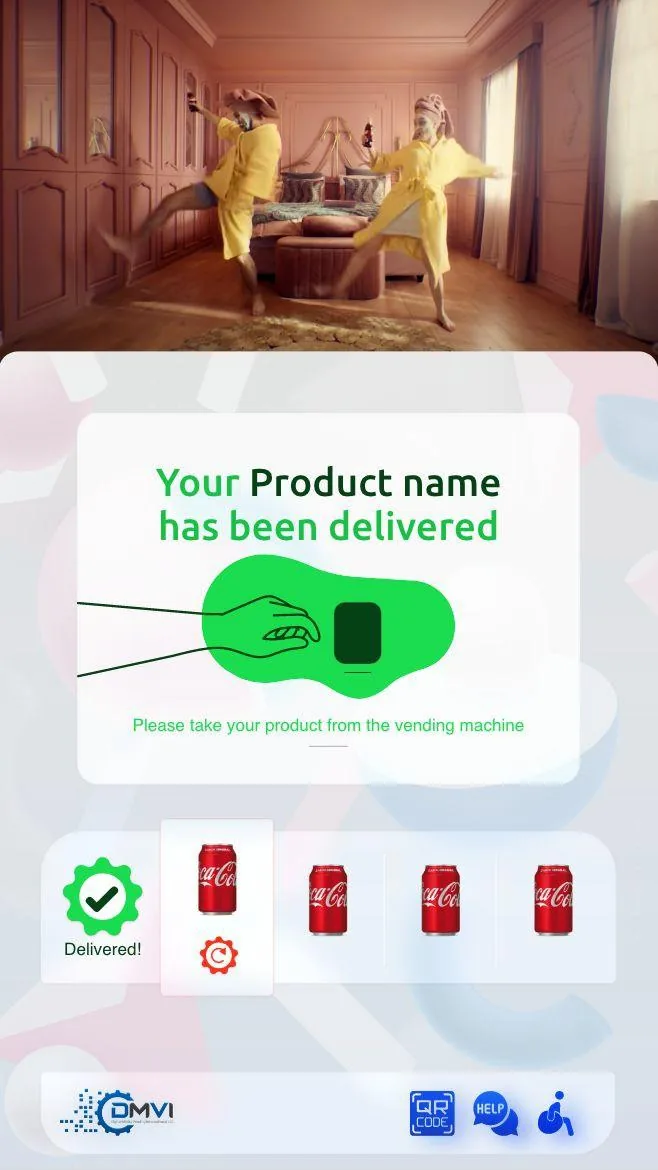
Dynamic QR payment is not valuable because the code looks modern. It is valuable when the machine flow, phone payment path, and confirmation logic fit the deployment cleanly.
That is why QR should be reviewed as a workflow, not a gimmick. Operators need to know how the shopper moves from selection to confirmation and what happens when the payment succeeds, fails, or stalls.
A dynamic QR payment starts when the shopper selects a product and the machine generates a transaction-specific code. The shopper scans it, completes payment on the phone, and the payment confirmation returns to the machine to trigger the next action.
The process only works well when the timing, network conditions, and confirmation logic are reliable enough for the environment.
Before selecting QR as the payment path, confirm the machine model, controller setup, and regional payment environment are suitable. The right workflow depends on what the hardware can support and how the shopper base behaves.
Answer these implementation questions before rollout. They are less exciting than a QR payment demo but they determine whether the deployment actually works.
QR can be especially useful where operators want a phone-led checkout path, want to avoid certain terminal hardware constraints, or are designing a machine experience that already expects the shopper to use a mobile device.
It is not automatically better than every terminal-led card workflow. The best answer depends on the site, shopper behavior, and hardware path.
When QR checkout is combined with branded UI, reporting, and compatibility review, the operator gets a stronger end-to-end understanding of how the machine will behave in the field.
The strongest deployments review QR alongside compatibility, retrofit, and the core cashless product path so payment decisions stay grounded in machine and workflow reality.
Most vending deployments succeed when the operator treats this topic as part of a wider operating model instead of a standalone feature request. That means machine compatibility, workflow ownership, reporting expectations, and rollout sequencing should all be reviewed together rather than in separate disconnected conversations.
Buyers also benefit from documenting what must be true on day one, what can be phased in later, and which assumptions still need confirmation from hardware, payment, or compliance stakeholders. That level of clarity shortens implementation cycles and prevents expensive rework after the machine is already live.
In practical terms, the strongest next step is usually a compatibility review or a scoped demo with the machine type, rollout geography, and business objective already defined. That gives DMVI enough context to answer the real question, not just the headline version of it.
Teams that document those answers early also make the project easier for procurement, operations, finance, and implementation partners to evaluate. Clear documentation becomes especially valuable when multiple vendors, venues, or regulators are involved because everyone can work from the same operating assumptions instead of inventing them as the project moves.
Use this checklist to pressure-test the deployment before money, hardware, or procurement time is committed.
Use the related pages below to move from research into the right product or deployment conversation.
A dynamic QR code is a transaction-specific code created at the moment of purchase so the payment can be linked to the correct machine session and product selection.
It can simplify some hardware issues, but it also introduces phone, connectivity, and confirmation requirements. The right answer depends on the deployment.
The handling depends on the payment integration and deployment setup. That failure-state logic should be confirmed before rollout.
They work with most modern smartphones that have a camera and the right app or browser support for the payment path.
Book a demo, request a compatibility review, or start an integration conversation with the right technical context from the start.